Convert Weebly website to WordPress
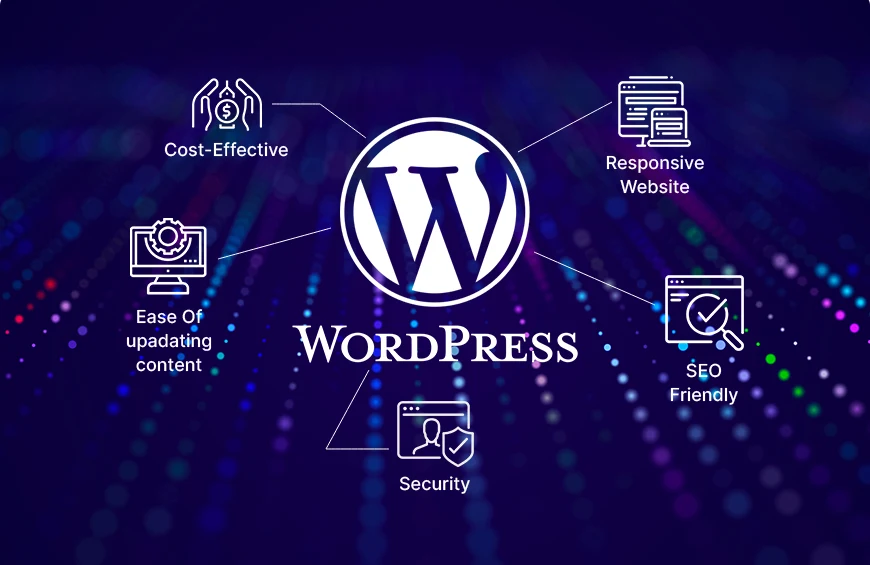
Convert Weebly website to WordPress
If your Weebly website has started to feel limited, converting it to WordPress can give your business greater flexibility, customization, SEO control, and room for future growth. However, a successful migration involves more than simply copying website content. Pages, images, blog posts, URLs, forms, navigation, SEO settings, and design elements all need to be handled carefully.
Professional Weebly Website Migration provides a structured solution for businesses that want to convert a Weebly website to WordPress while minimizing downtime and protecting their existing online presence.
Why Convert a Weebly Website to WordPress?
Weebly is easy to use, but growing businesses may eventually need more advanced functionality and customization. WordPress provides a much larger ecosystem of themes and plugins, giving website owners more control over design, SEO, performance, ecommerce, and integrations.
Common reasons to convert Weebly to WordPress include:
- Greater website customization
- More advanced SEO options
- Access to thousands of WordPress plugins
- Flexible themes and page builders
- Better control over website functionality
- Easier integration with marketing and business tools
- Greater scalability for growing websites
- More control over hosting and website files
A migration should be carefully planned because the website’s design and some Weebly-specific functionality generally need to be rebuilt rather than transferred exactly as they are.
What Is Involved in Converting Weebly to WordPress?
A professional migration typically involves several stages.
1. Weebly Website Audit
Before starting the migration, we review the existing website and create an inventory of important content and URLs.
This can include:
- Pages
- Blog posts
- Images
- Documents and downloadable files
- Navigation menus
- Existing URLs
- Forms
- SEO titles and descriptions
- Internal links
- Ecommerce content, when applicable
This inventory helps ensure important content is not accidentally missed during the conversion.
2. WordPress Installation and Setup
The new WordPress website is prepared on suitable hosting or a staging environment before the final launch.
The WordPress setup can include:
- Theme installation
- Page builder configuration
- Essential plugins
- SEO configuration
- Security settings
- Performance optimization
- Mobile-responsive layout
Building the new website on staging allows the migration and testing process to happen without immediately disrupting the existing Weebly website.
3. Transfer Weebly Content
The next step is transferring the website content to WordPress.
Depending on the website, migration can involve automated tools, import methods, HTML extraction, RSS-based blog migration, or carefully managed manual transfer. WordPress.com currently documents several approaches for importing Weebly pages, posts, comments, and media.
For complex websites, content should be reviewed after import instead of assuming that an automated transfer will reproduce everything perfectly.
4. Rebuild the Website Design
Weebly themes and layouts do not simply become WordPress themes. The website design therefore needs to be recreated using an appropriate WordPress theme, page builder, or custom development.
Professional migration can preserve the important elements of your existing branding, including:
- Logo and colors
- Typography
- Page structure
- Header and footer
- Navigation
- Calls to action
- Images
- Contact sections
- Service pages
This is also an excellent opportunity to modernize the design and improve the user experience.
Recent Posts

Best Weebly to WordPress migration service

Professional Weebly to WordPress website migration

Weebly to WordPress migration for small businesses
Migrate Weebly website to WordPress step by step
Migrate Weebly ecommerce website to WordPress